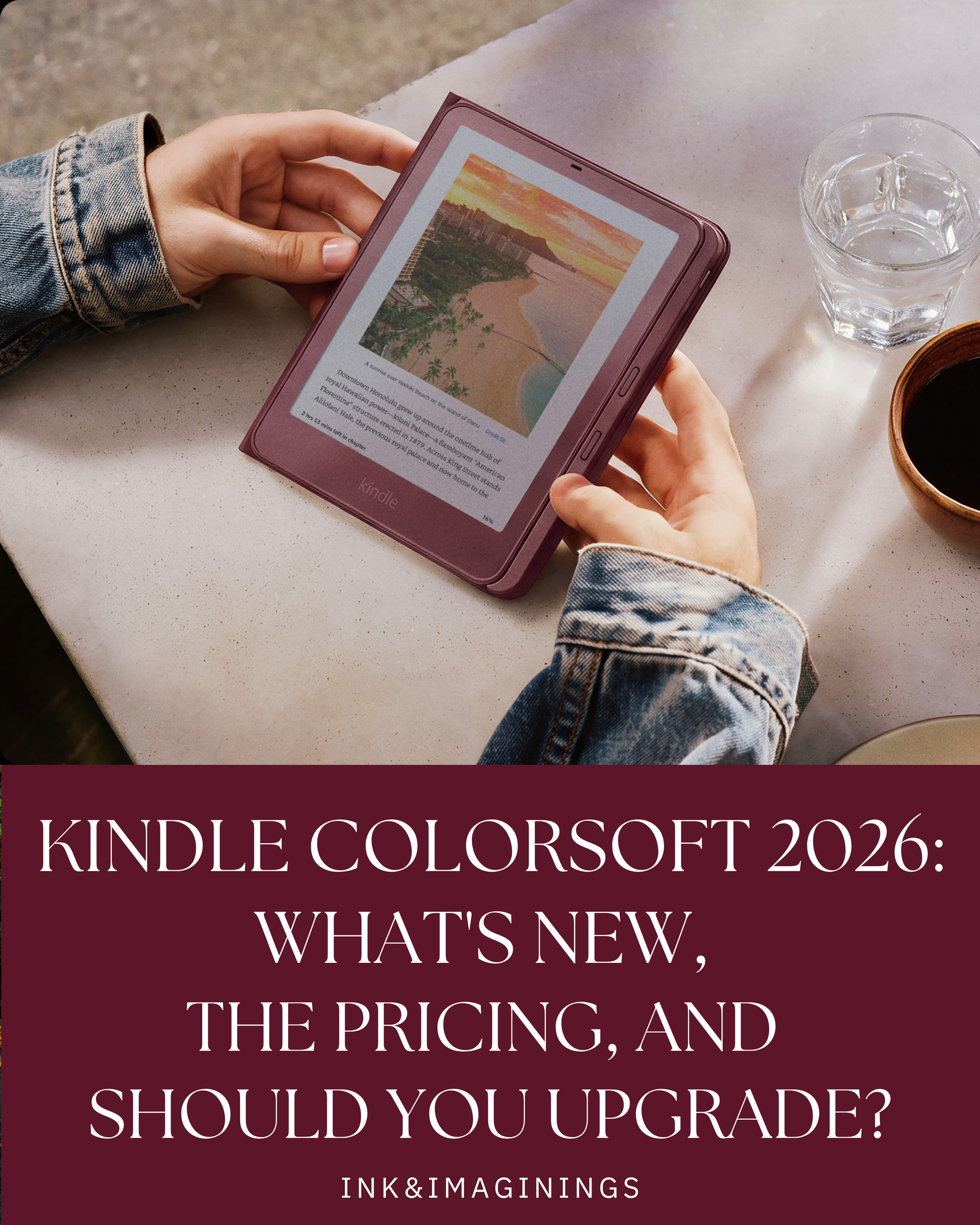
Amazon just refreshed the Kindle Colorsoft, and the new lineup ships on October 28, 2026. I preordered the Colorsoft Signature Edition in Fig for myself (and one for a giveaway, more on that soon), so I've been digging through every detail of what's actually new.
Here's everything you need to know: the models and prices, what changed from the 2024 Colorsoft, the new page-turn accessories, how to trade in your old Kindle, how it compares to the Paperwhite, and whether it's worth upgrading. My honest review is coming once I've lived with it for a couple of weeks.
Honestly, I upgraded so we could do a device shuffle. My daughter reads on her Kindle every day (coffee reading time!), so she's getting my 2024 Colorsoft, and her little brother, who's just reaching Kindle age, is getting the one she's been using. I'd rather do a shuffle than buy the kids new devices as gifts, because I like our devices to belong to the whole family. And yes, the Fig is also really pretty, and I really wanted that page-turning case.
This post contains affiliate links. If you buy through them, I may earn a small commission at no extra cost to you. Thanks for supporting Ink & Imaginings.
Kindle Colorsoft 2026 Quick Facts
- Release date: October 28, 2026 (US)
- Kindle Colorsoft: $289.99, 16GB, Graphite
- Kindle Colorsoft Signature Edition: $319.99, 32GB, Graphite, Fig, or Seafoam
- Screen: 7 inches, 300 ppi in black and white and 150 ppi in color
- Battery: up to 8 weeks
- Waterproof: yes, IPX8
- Preorder: Kindle Colorsoft on Amazon
The Two Colorsoft Models
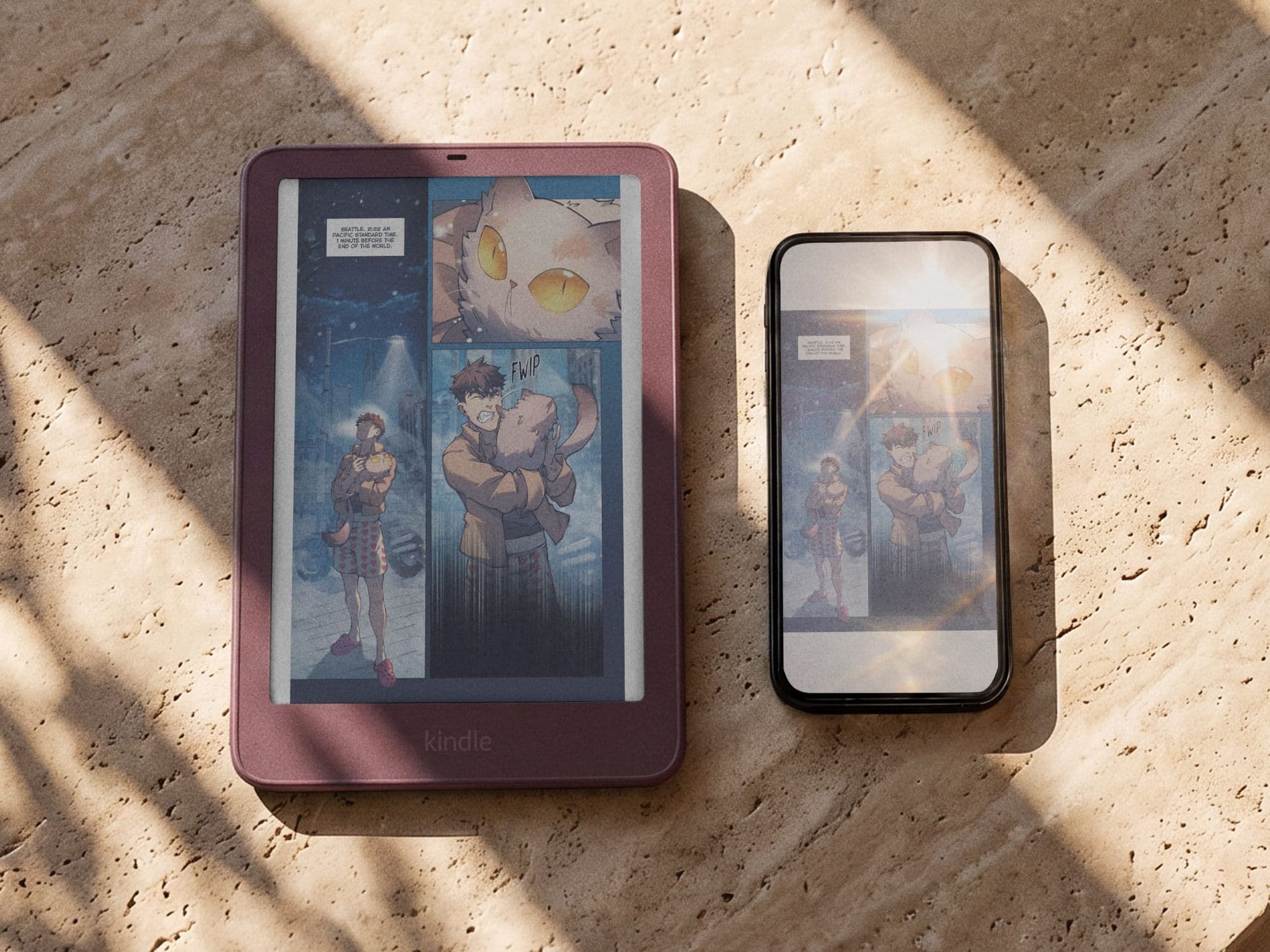
Kindle Colorsoft Signature Edition
The Kindle Colorsoft ($289.99) is the base model, with 16GB of storage, an adjustable warm light, and the color display. It comes in Graphite.
The Kindle Colorsoft Signature Edition ($319.99) doubles the storage to 32GB and adds the premium extras: an aluminum body, an auto-adjusting front light, double-tap page turns, and pogo-pin charging for the new dock. It's also the only Colorsoft that comes in colors beyond Graphite, Fig, and Seafoam.
Worth knowing: Amazon raised Kindle prices by $40 to $50 back in August, so these prices are higher than the 2024 Colorsoft's launch prices.
What's New Compared to the 2024 Colorsoft
- A refreshed design. The whole lineup has a flush front screen and color accents that wrap around the edges.
- New display. Amazon says it redesigned the light guide and backplane. The resolution itself is unchanged.
- Double-tap page turns (Signature Edition only). Tap the back of the Kindle to turn the page.
- An aluminum body (Signature Edition only).
- Dock charging instead of wireless (Signature Edition only). This is the one to watch: the new Signature Edition charges on a pogo-pin dock rather than with Qi wireless charging. If you loved dropping your old one on a wireless pad, that's gone.
- A user-replaceable battery across the lineup.
What Hasn't Changed
If you already own the 2024 Colorsoft, the core reading experience is very similar. The screen is still 7 inches at 300 ppi in black and white and 150 ppi in color, the battery is still rated for up to 8 weeks, and early hands-on coverage reports the base model's chip and storage are the same as before. The biggest changes are on the Signature Edition and in the accessories.
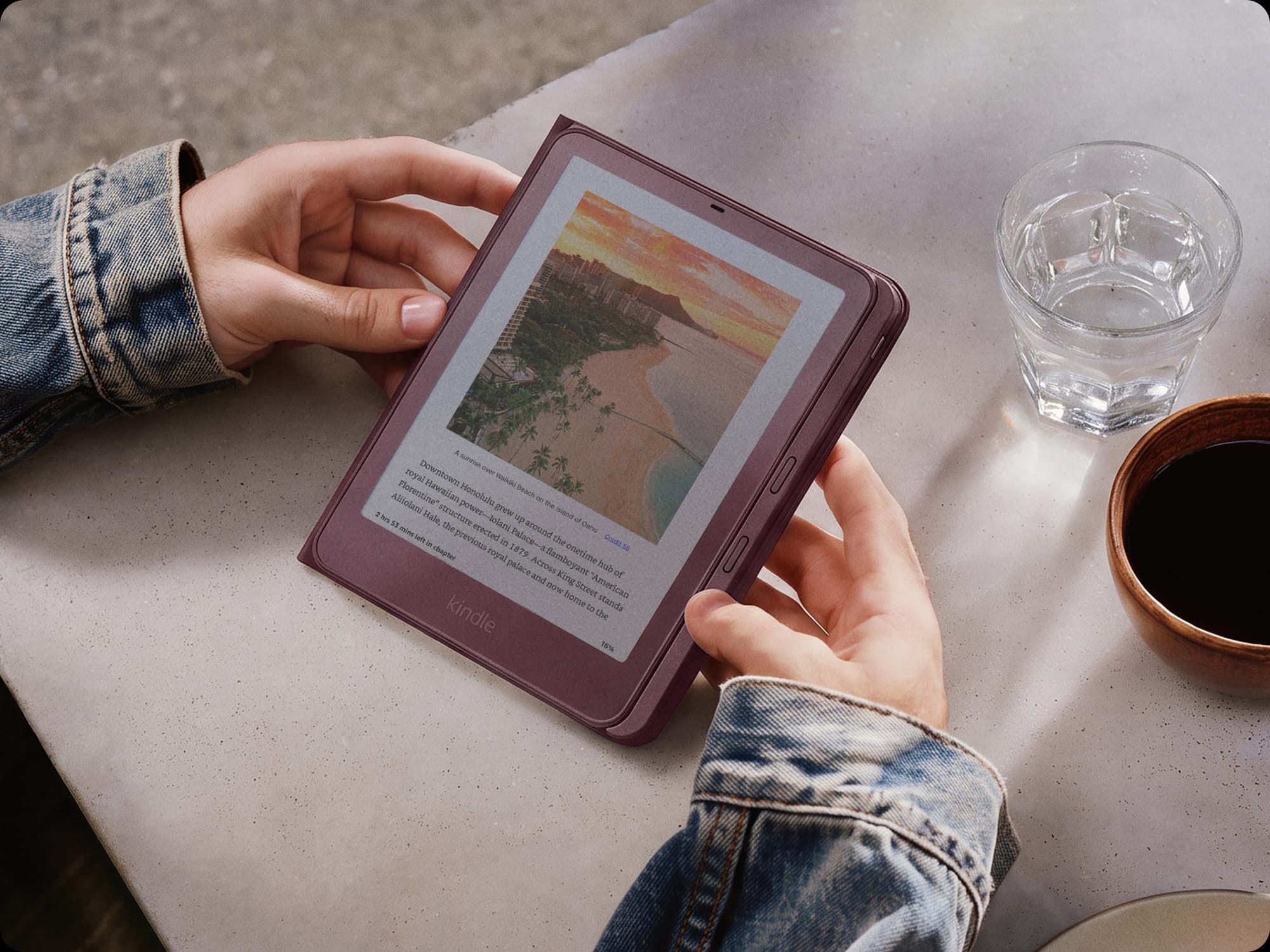
Kindle Colorsoft Signature Edition With page turn case
The New Page-Turn Accessories: Cover, Click, and Charging Dock
Physical page-turn buttons are finally back, sort of. Here's what each accessory does, what it works with, and who should actually buy it.
Kindle Page-Turn Cover ($79.99)
Kindle Page-Turn Cover is a magnetic cover with forward and back buttons along the side. It connects through the pogo pins on the back of the Kindle, so there's no pairing and nothing to charge. It has a faux leather finish, it's water resistant like the Kindle itself, and it comes in Graphite, Seaglass Green, and Fig.
Works with: the 2026 Paperwhite Signature Edition and Colorsoft Signature Edition only. It won't fit the base Colorsoft or any older Kindle.
My honest take: this is the accessory I'm most excited about, and it's the reason I went with the Signature Edition. But it's $80 for page-turn buttons that the old Kindle Oasis had built in. If you're buying a Signature Edition anyway and you miss buttons, it's the cleanest option. If not, look at the Click. Mine is scheduled to arrive November 9, so I'll add it to my review then.
Kindle Click ($34.99)
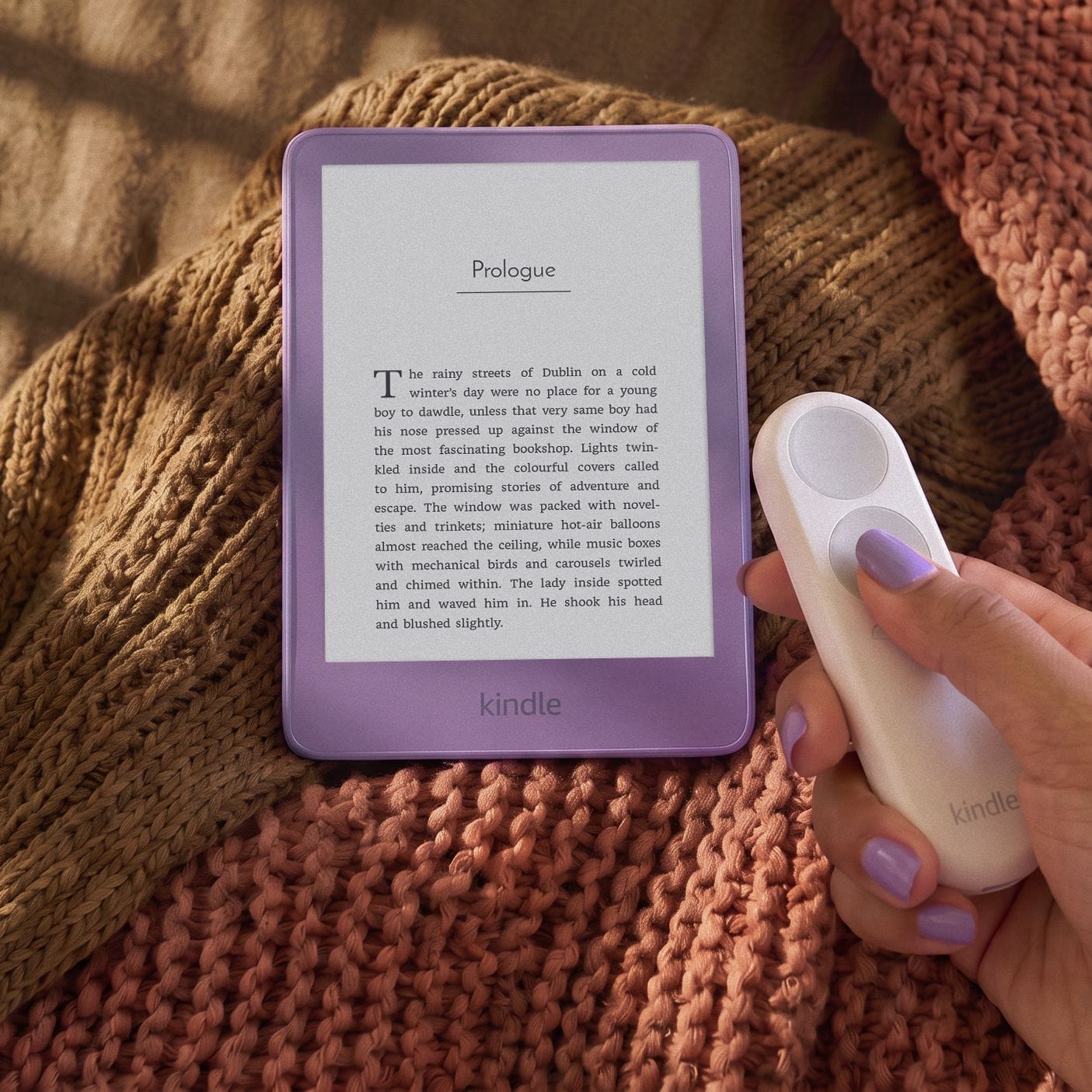
Kindle Click is a small Bluetooth remote with two big page-turn buttons and side buttons for brightness. It's rechargeable over USB-C (cable not included), lasts weeks on a charge, and comes with a wrist lanyard. It ships October 28.
Works with: every 2026 Kindle and any Kindle released in 2024 or later. It won't work with the 2022 Kindle or the 2021 Paperwhite.
My honest take: this is the best value of the three. If you already have a 2024 Paperwhite or Colorsoft, it gets you page-turn buttons for $35 without upgrading at all. It's also the one to get if you read on a treadmill, under a blanket, or with both hands around a coffee mug.
Kindle Charging Dock ($59.99)
Kindle Charging Dock is a stand that holds the Kindle upright and charges it through the same pogo pins.
Works with: the Paperwhite Signature Edition and Colorsoft Signature Edition only.
My honest take: since the new Signature Edition dropped wireless charging, this is the closest thing to setting your Kindle on a pad at night. But at $60 with no release date yet, I'd wait for reviews before ordering one.
The catch, and the biggest criticism from reviewers: page-turn buttons are a paid add-on, and the best option only fits the most expensive models.
Kindle Colorsoft vs. Kindle Paperwhite
The 2026 Paperwhite starts at $199.99 with 16GB and a 7-inch black-and-white screen, and its battery lasts up to 12 weeks. The Paperwhite Signature Edition is $249.99 with the same aluminum body, auto light, and double-tap as the Colorsoft Signature Edition.
So the Colorsoft costs $90 more than the base Paperwhite. What you get for that is color: book covers, comics and graphic novels, illustrated editions, and color-coded highlights. What you give up is some battery life, about 8 weeks instead of 12.
Should You Upgrade?
- You have the 2024 Colorsoft: probably not, unless you really want double-tap, the aluminum body, or the Page-Turn Cover (which needs a Signature Edition), or you can pass your current Kindle down to someone in the family. That's exactly why I did it.
- You have an older Paperwhite and read graphic novels, comics, or illustrated books, or love color-coding highlights: this is the upgrade that makes the most difference.
- You mostly read novels and care most about price and battery: the Paperwhite is still the better value.
- You want physical page-turn buttons: you'll need a Signature Edition plus the $79.99 cover, or the Kindle Click remote with any Kindle from 2024 on.
I'll update this with my own verdict once mine arrives on the 28th.
Win a Kindle Colorsoft
I bought a second Kindle Colorsoft Signature Edition to give away to one of you. The giveaway opens in November, and newsletter subscribers hear about it first. Sign up for the Weekly Bookmark below so you don't miss it.
How to Trade In Your Old Kindle for 20% Off a New One
If you're not passing your old Kindle down to someone in the family, Amazon's trade-in program is the easiest way to knock the price down. Here's how it works.
- Look up your Kindle. Go to Amazon Trade-In and search for your model.
- Answer a few questions about its condition. Amazon gives you a quote right away.
- Ship it for free. Amazon gives you a prepaid shipping label, and you don't need the original box.
- Get your credit. Once Amazon receives and checks it, usually within about 10 business days, you get the trade-in value as an Amazon gift card, plus a coupon for 20% off a new Kindle.
What it's worth: honestly, not much. Recent reports put most older Kindles at about $5 to $35, depending on the model and condition. Even a broken one can usually get a few dollars and the coupon.
The real value is the 20% off. On the $319.99 Colorsoft Signature Edition, that's about $64. Before you count on it, check your trade-in page to confirm the coupon works on the new 2026 models, how long it's good for, and whether it stacks with any sale price.
Before you ship it: deregister the Kindle (Settings, then All Settings, then Your Account, then Deregister Device), and then reset it (Settings, then All Settings, then Device Options, then Reset). Your books stay in your Amazon library, so you won't lose anything.
Trade it in or pass it down? Since trade-in values are so low, an old Kindle is usually worth a lot more as a hand-me-down if anyone in your house reads. My daughter uses a kindle that three people used before her every single day.
Frequently Asked Questions
When does the 2026 Kindle Colorsoft come out?
The 2026 Kindle Colorsoft and Colorsoft Signature Edition ship in the US on October 28, 2026.
How much is the new Kindle Colorsoft?
The Kindle Colorsoft is $289.99 with 16GB, and the Kindle Colorsoft Signature Edition is $319.99 with 32GB.
Is the Fig Kindle Colorsoft only available as a Signature Edition?
In the US, Fig is listed only for the Kindle Colorsoft Signature Edition. The base Colorsoft comes in Graphite.
Does the 2026 Kindle Colorsoft have wireless charging?
No. The 2026 Signature Edition charges through a pogo-pin dock instead of Qi wireless charging. A separate Charging Dock costs $59.99.
Does the new Kindle have page-turn buttons?
Not built in. Amazon sells a $79.99 Page-Turn Cover with physical buttons for the Paperwhite and Colorsoft Signature Editions, and a $34.99 Kindle Click Bluetooth remote that works with Kindles from 2024 onward.
What is the difference between the Kindle Colorsoft and Paperwhite?
The Colorsoft has a color screen for covers, comics, and color highlights and costs $289.99. The Paperwhite is black and white, starts at $199.99, and has longer battery life, up to 12 weeks compared to 8.
Can I trade in my old Kindle for a new one?
Yes. Amazon's trade-in program gives you an Amazon gift card for an eligible Kindle, plus a 20% off coupon toward a new Kindle. Most older Kindles are worth about $5 to $35.
Does the Kindle Click work with older Kindles?
Only with Kindles released in 2024 or later. It won't work with the 2022 Kindle or the 2021 Paperwhite. The Page-Turn Cover only fits the 2026 Paperwhite and Colorsoft Signature Editions.
Are you upgrading this year? Tell me which model you're eyeing in the comments.